You bought a motion controller. You expected immersion. Instead, you got jittery sword swings, phantom inputs, and that sinking feeling you wasted $60. Motion control gaming promises presence—but most setups deliver frustration. Here’s how to actually make it work.
The Hidden Flaw in Every Motion Control Setup
Most players blame calibration. Or lag. Or “cheap sensors.” Wrong. The real issue? **Mismatched expectations**. Motion control gaming was sold as “natural” input—but human movement is messy, inconsistent, and full of micro-tremors your console interprets as commands. And game devs rarely compensate for it.
Think about it: when you swing a real tennis racket, your wrist flicks, your elbow bends slightly off-plane, and your follow-through isn’t pixel-perfect. But your controller expects surgical precision. That disconnect breaks immersion faster than a dropped frame rate.
Building a Reliable Motion Control Gaming Rig
Forget out-of-box settings. Real responsiveness requires layered tuning—not just hardware, but software synergy. Start here:
Choose Your Tracking Method Wisely
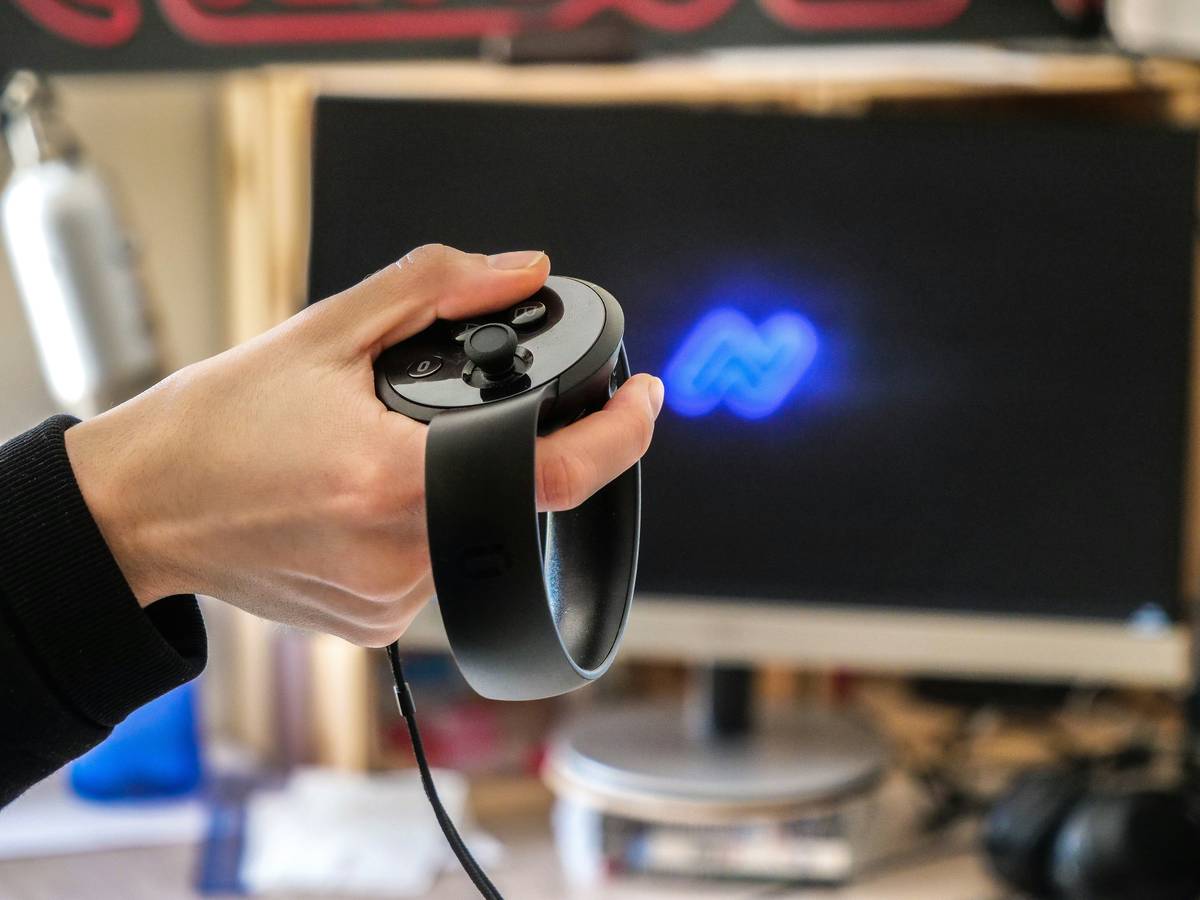
Not all motion sensing is equal. IMU-only (like Joy-Cons) drifts over time. External camera-based (like PS Camera) struggles in low light. Inside-out tracking (like Quest controllers) blends both—but eats battery. Match the tech to your room, not the hype.
Calibrate Like a Pro—Not a Tourist
Do this: Stand in your play space. Hold controllers at neutral pose. Initiate calibration *while moving slightly*—not frozen like a statue. Why? Because you’ll never stand perfectly still during actual gameplay. Most systems lock reference points in static poses, creating ghost inputs the second you breathe.
Game-Level Tuning Is Non-Negotiable
Yes, even if the game says “optimized for motion.” Dig into dead zones, rotation sensitivity, and acceleration curves. Some titles (looking at you, *Tennis Clash VR*) ship with absurdly tight tolerances. Dial back rotation smoothing by 15–20%—you’ll lose “precision” but gain usable fluidity.
| Tracking Type | Latency (ms) | Drift Risk | Room Requirements | Best For |
|---|---|---|---|---|
| IMU-Only (e.g., Switch Joy-Cons) | 22–35 | High | None | Casual party games |
| External Camera (e.g., PS5 HD Camera) | 18–28 | Low | Bright, uncluttered space | Living room setups |
| Inside-Out (e.g., Meta Quest, SteamVR) | 12–20 | Medium | Minimal reflective surfaces | Immersive VR experiences |
The Industry Secret No One Talks About
Here’s a dirty truth: many AAA studios intentionally *dampen* motion fidelity to avoid player fatigue. Early builds of big VR titles often feel hyper-responsive—then get “smoothed” into mush before launch. Why? Because testers report nausea or wrist strain after 20 minutes. So they sacrifice realism for comfort.
But you don’t have to accept that trade-off. Community mods exist for titles like *Half-Life: Alyx* and *Boneworks* that restore raw motion data bypassing safety filters. It’s riskier—your arm might ache—but the sensation of *actually* throwing a grenade? Unmatched. Just patch responsibly.
Frequently Asked Questions
Does motion control gaming cause more arm fatigue?
Yes—if poorly tuned. Over-sensitive settings force micro-corrections that strain tendons. Lower rotation gain and increase dead zones to reduce effort.
Can I use motion controls without VR?
Absolutely. Nintendo Switch, PlayStation Move, and even mouse-emulation apps let you play non-VR games with motion input—though results vary wildly by title.
Why do my motion controllers drift during long sessions?
IMUs accumulate sensor error over time. Recalibrate every 45–60 minutes. For critical accuracy, pair with external tracking if your system supports it.