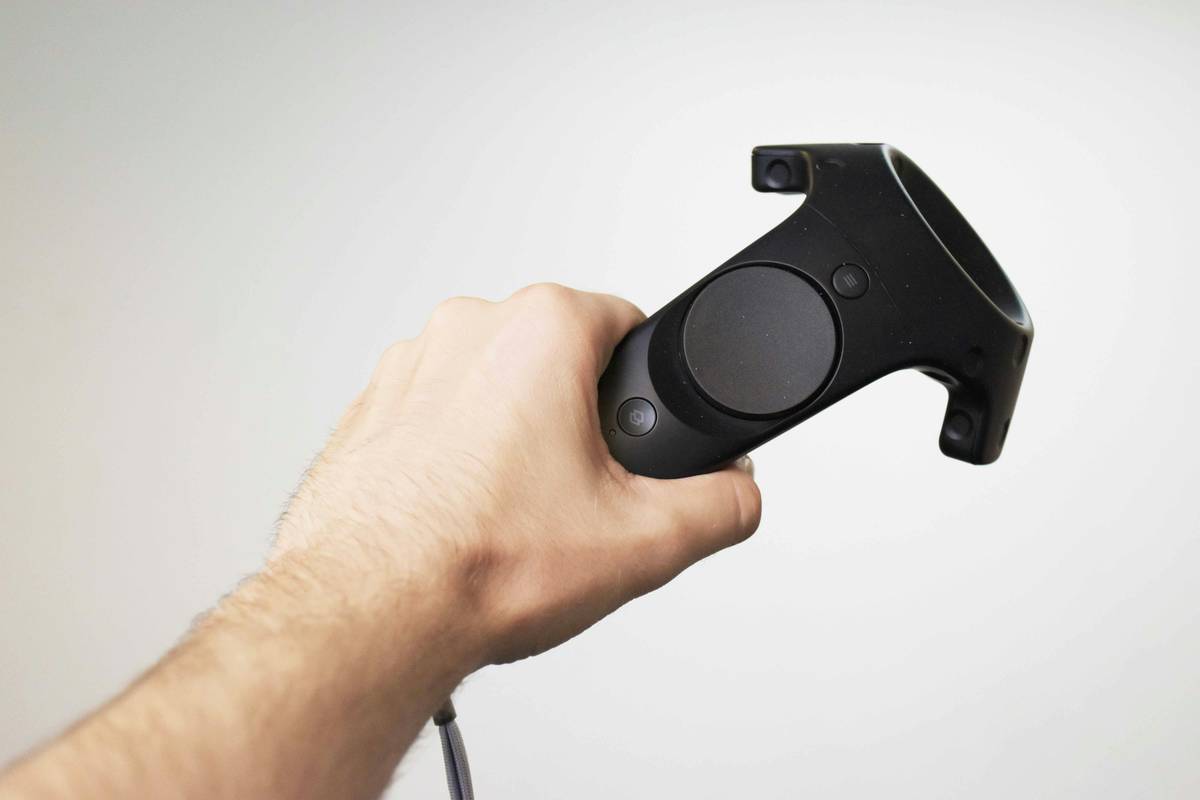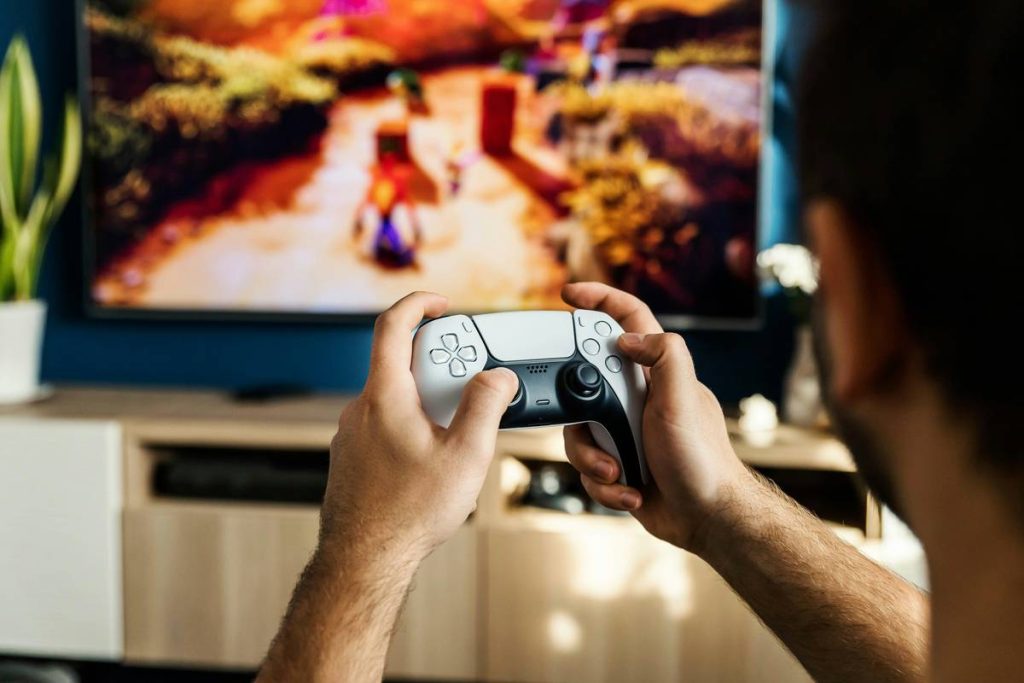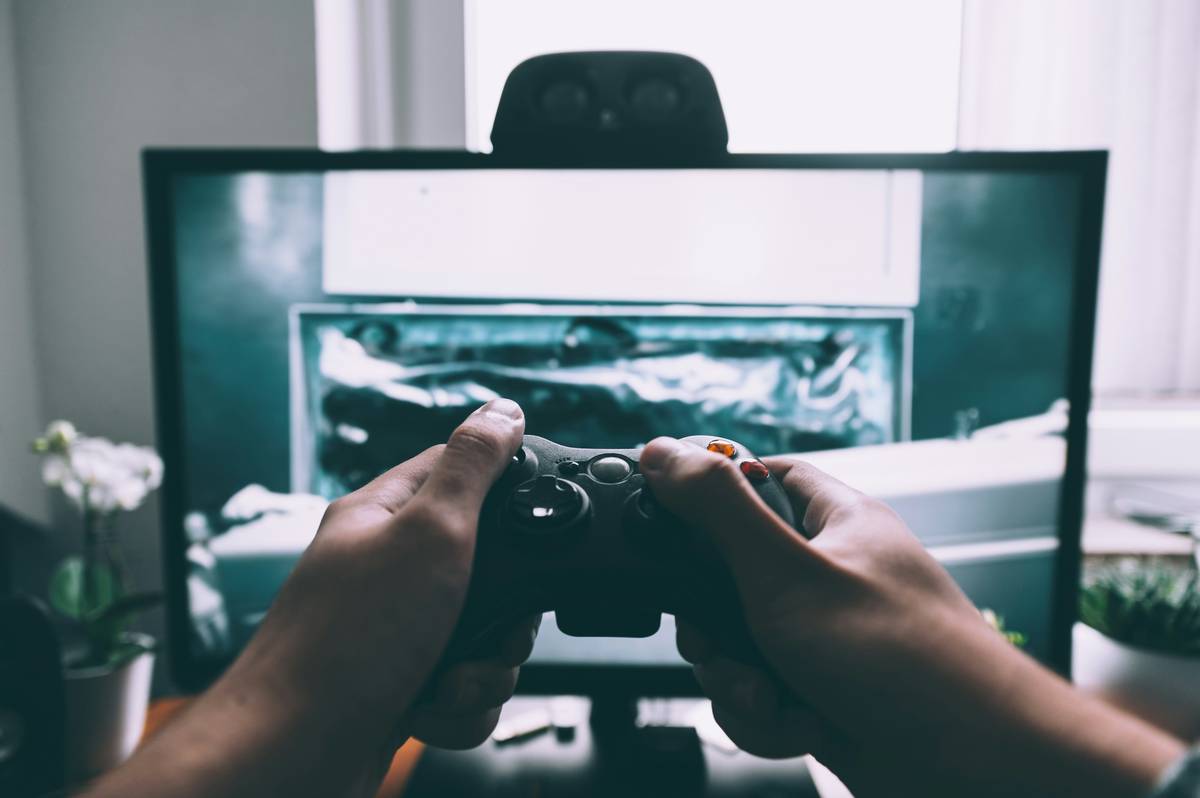
You bought a motion control gaming console expecting immersive, intuitive gameplay. Instead, you’re flailing at invisible targets while your character spins in circles. Frustrating? Absolutely. The promise of motion control—natural movement translating directly into game action—feels broken. But here’s the truth: the hardware isn’t the problem. It’s how you’re using it.
The Silent Failure of Motion Control Adoption
Most gamers treat motion controllers like regular gamepads with extra steps. They don’t calibrate. They ignore lighting conditions. They play in cluttered spaces. And then they blame the motion control gaming console for “lag” or “inaccuracy.”
Reality check: precision motion tracking demands environmental cooperation. Bright sunlight floods IR sensors. Dark rooms starve cameras. Carpets scatter reflective dots. These aren’t flaws—they’re physics.
And studios? Many still bolt motion mechanics onto traditional control schemes as an afterthought. No wonder players feel disconnected.
How to Actually Master Your Motion Control Gaming Console
Forget gimmicks. Real immersion comes from alignment—between tech, environment, and intent. Follow this battle-tested workflow:
Calibrate Like a Pro (Not a Passenger)
Ditch auto-calibration. Manually set your play area boundaries every session. Stand where you’ll actually move—not just where the tutorial tells you.
Control the Light—Don’t Let It Control You
Closed curtains during daytime. Soft, indirect lamps at night. Avoid glossy floors that reflect sensor patterns. Yes, it’s extra work. But so is re-rolling a botched boss fight because your swing registered as a crouch.
Embrace Minimalist Movement
You aren’t conducting an orchestra. Big, theatrical gestures confuse trackers. Small, deliberate motions win. Think tennis backhand—not windmill dunk.
| Setup Factor | Poor Configuration | Optimized Configuration |
|---|---|---|
| Lighting | Direct sunlight or pitch black | Consistent, diffused ambient light |
| Play Space | Furniture within 6 feet | 6×6 ft clear, non-reflective floor |
| Movement Style | Exaggerated swings | Controlled, repeatable gestures |
| Calibration | Set once, never revisited | Re-calibrated per session |
The Industry Secret Nobody Talks About
Here’s what R&D engineers whisper but marketing teams bury: latency isn’t always the enemy. Some motion systems intentionally add 40–60ms of smoothing to filter out hand tremors—especially in non-action titles. That slight delay? It’s not broken; it’s tuned for realism over twitch response.
But—and this is the kicker—if you force fast-paced shooters onto these smoothed systems, you’ll feel “off.” The mismatch between expectation and engineering intent creates perceived failure. The solution? Match game genre to controller philosophy. Use high-fidelity, low-latency motion rigs for rhythm or sports games. Save slower, predictive systems for exploration or simulation titles.
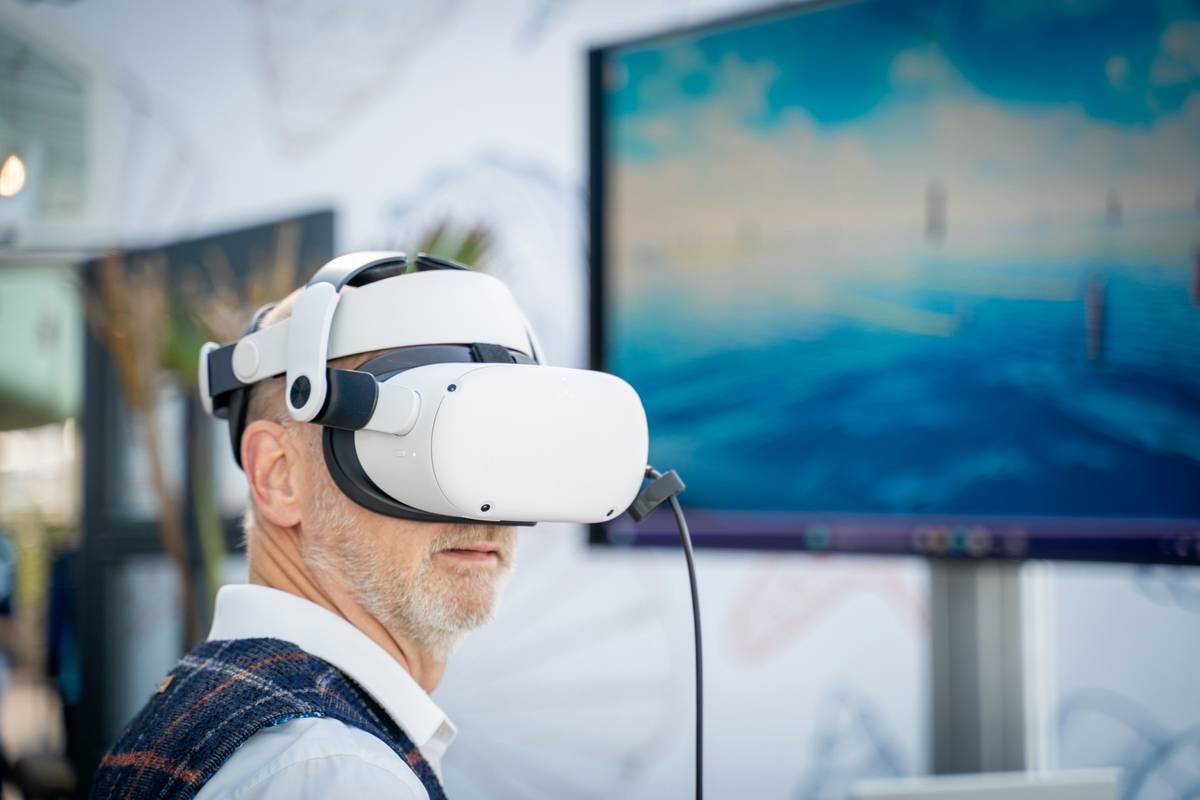
Think about it: no one complains about delay when painting in VR. Because the feedback loop matches the activity.
Frequently Asked Questions
Do motion control gaming consoles work on all TVs?
No. Older CRT or plasma screens often lack the refresh rate and USB connectivity modern motion systems require. Stick to HDMI 2.0+ LCD/LED/OLED panels for reliable performance.
Can I use motion controllers without a dedicated console?
Yes—many PC-based motion kits (like SteamVR Trackers) work with compatible games. But full motion control gaming console experiences usually need proprietary hardware for seamless integration.
Why do my motion controls drift over time?
Sensor drift happens when gyroscopes accumulate tiny errors. Recalibrate mid-session if you notice directional shifts. Also, avoid placing your base station near speakers or routers—they emit interference.